
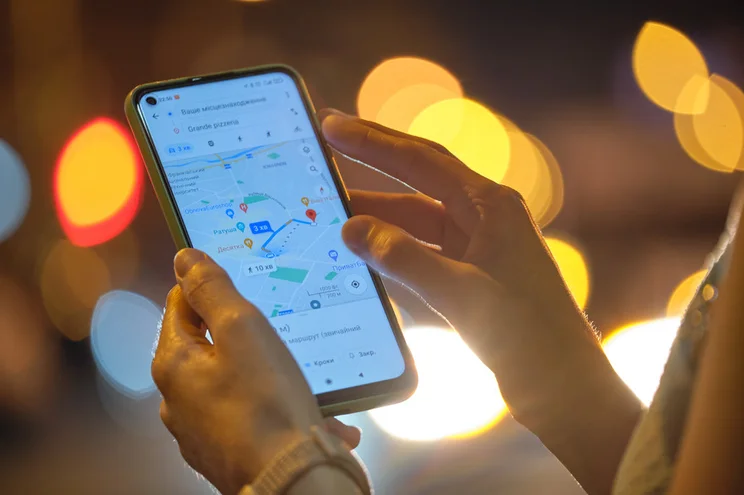
Google rolled out a wave of new features and upgrades to Google Maps yesterday, including transit disruption reports and EV route planning. But what really caught my eye is the new ability to search for products on Google Maps, making it easier for customers to find what they’re looking for in person.
This is the latest customer experience improvement from Google, having previously given Google Shopping an AI makeover in October 2024.
Making Shopping Easier
The new Google Maps feature opens up how customers can shop, especially as we approach the busy holiday shopping season.
Google explained the benefits in the announcement:
“Now, you can search in Google Maps for items like pickleball rackets, board games, ice cream makers and more to find nearby stores that have them in stock so you can pick up what you need, stat.”
So, how does it work? Simply search for a product within Google Maps directly. From there, Google Maps will show you nearby stores and individual product listings so you can scroll through and find a suitable location with the product in stock.
This saves customers time instead of trekking to multiple stores, hoping you have what they need in stock. It can also drive more foot traffic to your physical stores.
Currently, the new feature only works for specific product types: home goods, electronics, clothing, and products from grocery stores.
Sharing Your Products in Google Maps
But, how can you guarantee your products show up in Google Maps? To put it simply, you need to be using Google Merchant Center and keeping on top of inventory management. Your products will then be automatically fed into Google Maps, as well as Google Search and Google Shopping.
Here are a few tips to help you share your products in Google Maps:
- Add local business structured data – this sends signals to Google about your store’s location, opening hours, and more.
- Keep your inventory updated – make sure your inventory reflects your existing stock count, otherwise you could encounter unhappy customers.
- Check your Google Business Profile is accurate – review your business information and pickup availability settings (and check your Google Business Profile hasn’t been suspended).
- Test Google Maps yourself – see if your store and products appear when searching for a product.
For any businesses with physical stores, this new feature from Google Maps is a game-changer for boosting local customer engagement.





0 comments