


While Lovable is a top vibe coding platform, the user experience, pricing plans, and credit system might not work for your app building needs. If you’re looking for something different, Hostinger Horizons is the best vibe coding tool we’ve tested overall, thanks to its intuitive interface, affordable pricing, and built-in features.
In this guide, I’ll recommend and compare five Lovable alternatives, exploring costs and key features, so you can find the right tool for your project.
- Hostinger Horizons is the cheapest Lovable alternative, with plans starting at $6.99/month – Lovable’s plans start at $21/month
- Tempo Labs, Bolt, and Replit are more suitable for users with some coding experience, whereas Hostinger Horizons and Base44 are beginner-friendly
- All of these Lovable alternatives offer a free plan (like Lovable), apart from Hostinger Horizons which has a limited seven-day free trial
Quick Comparison: The Best Lovable Alternatives
Vibe coding is still a very new process, so the market is still growing and features continue to evolve. While Lovable is a great option, there are lots of other vibe coding tools out there to choose from, such as Hostinger Horizons, Base44, and Replit.
If you’re short on time, take a look at the key differences between these Lovable alternatives in the comparison table below:
|
Overall rating
|
Starting price
|
Free plan or free trial
|
Free credits (daily)
|
Credit allowances
|
||
|---|---|---|---|---|---|---|
 |
 |
 |
 |
 |
||
|
Hostinger Horizons |
Base44 |
Tempo Labs |
Bolt |
Replit |
||
|
4.6
|
4.1
|
4.0
|
3.5
|
3.4
|
||
|
$6.99/mo |
$16/mo |
$30/mo |
$25/mo |
$25/mo |
||
|
7-day free trial |
Free plan, with 25 credits/mo |
Free plan, with 30 credits/mo |
Free plan, with 1 million tokens/mo |
Free plan, create up to 10 public development apps |
||
|
5 |
5 |
5 |
300k |
|||
|
30-400/mo |
25-1,200/mo |
30-Unlimited/mo |
300k-Unlimited/mo |
$25-$40 worth of monthly credits |
1. Hostinger Horizons
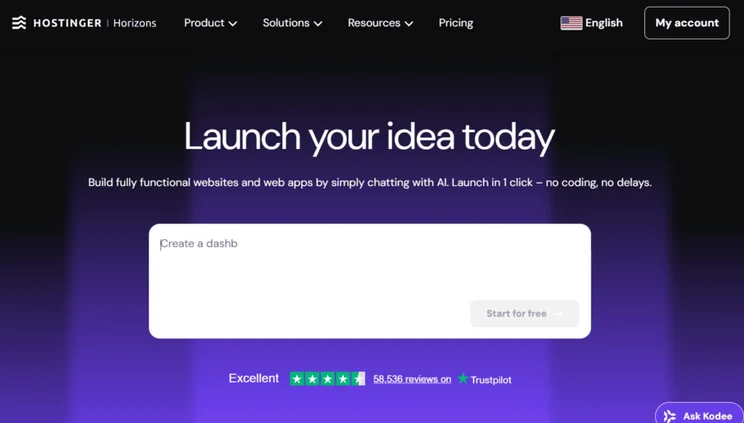
Hostinger Horizons caters directly to beginners and non-coders, offering everything you need to design, host, and launch your web app in one place. It’s the easiest vibe coding tool I’ve tested, since the conversational back-and-forth and guidance helped me get to grips with the tool quickly.
Hostinger Horizons is a more affordable vibe coding platform than Lovable. Hostinger Horizons plans range from $6.99 to $59.99 per month (billed annually). You can get started with its seven-day free trial, since there’s no free plan, but you’ll need to upgrade to a premium plan pretty quickly to unlock more message credits.
✅ What We Like
- It’s an all-in-one solution – Hostinger includes hosting, email, SEO, and security with its vibe coding plans
- Great for beginners – Hostinger Horizons is the easiest vibe coding tool we’ve tested, thanks to its intuitive interface, built-in support, and auto-fix feature
- Integrations with Stripe and Supabase – power your app for ecommerce or create a secure database for customer information with third-party support
❌ What We Dislike
- The credit system can be limiting – it’s based on messages, rather than number of app builds per month, which can cause confusion for users
- There’s no GitHub integration to export your app code, which is something Lovable offers
- No shared workspaces for team collaboration, making Hostinger Horizons better for solopreneurs and personal projects
Lovable vs Hostinger Horizons: Which Should You Use?
By nature, vibe coding tools are pretty beginner-friendly, since they generate the code for your app based on your conversational prompt. However, Hostinger Horizons is more suitable for complete novices, entrepreneurs, and freelancers, because of the intuitive experience it provides. You can even use text, images, or voice-based prompts to communicate with Hostinger Horizons.
And, while Hostinger Horizons and Lovable both lack the advanced functionality that large teams or agencies might need, Hostinger Horizons remains the obvious choice for anyone looking to start vibe coding.
2. Base44
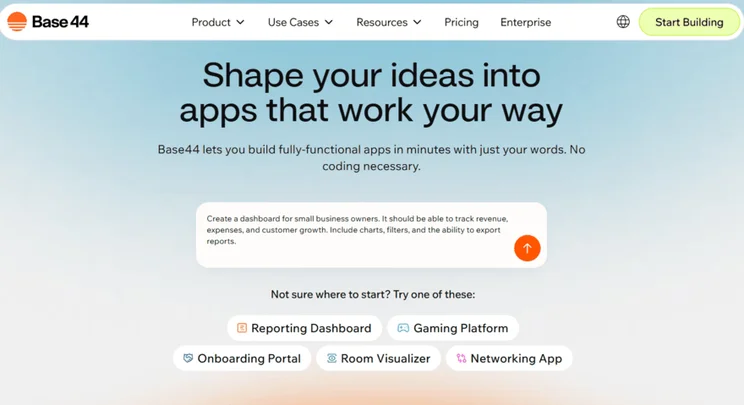
Base44, recently acquired by Wix, specifically targets the non-technical individual and business owner. You can build a full end-to-end app in less than an hour, without needing to write a single line of code yourself, and use Base44’s GitHub integration to export your app if you want to.
That said, our team has had a lot of inconsistent experiences when testing this vibe coding tool – I’ve personally experienced bugs and errors with loading my preview, while others have found Base44 easier to use than Lovable.
Base44 offers a free forever plan, with a similar monthly credit allowance to Lovable’s free plan. Base44’s pricing ranges from $16 to $160 per month (billed annually), split across four premium plans. However, Lovable has the added benefit of being able to adjust your subscription based on credit allowance, whereas Base44’s message credits are fixed per plan.
✅ What We Like
- It’s easier to use than Lovable – enter a prompt using natural language (no coding knowledge needed)
- Lots of features built in – Base44 includes hosting as part of your subscription and integrations are available to pair with, such as Stripe for selling and Mailchimp for email marketing
- Collaborate with your team in real-time
❌ What We Dislike
- Customer support is poor – Base44 lacks any clear 24/7 or multichannel support option
- Inconsistency between uses – the experience felt half-baked during testing and it didn’t operate as smoothly as Lovable
Lovable vs Base44: Which Should You Use?
Like Hostinger Horizons, Base44 is easier to use than Lovable, so if you’re a complete novice to vibe coding, consider using Base44. Its suite of features, integrations, and set pricing plans are great for small business owners looking to dive into app building.
I’d recommend sticking with personal, non-complex projects when using Base44 since everything is quite contained to the platform. Once you need advanced control or more flexibility, choose a tool that uses third-party integrations, like Lovable.
➡️ Learn more in our Base44 vs Lovable review.
3. Tempo Labs
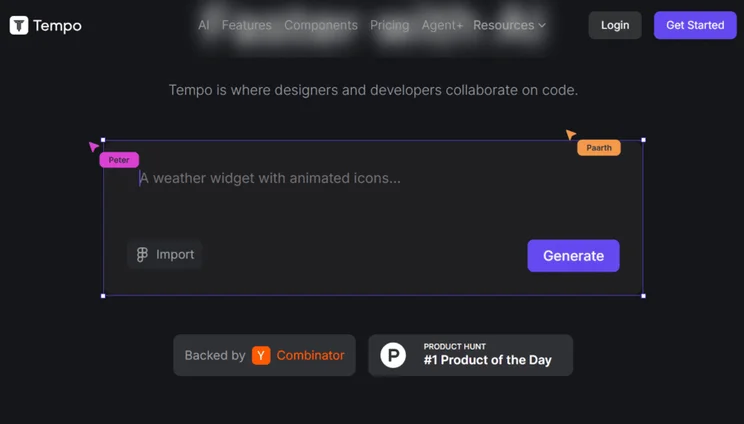
If you’re looking to quickly prototype your app idea, Tempo Labs is a great alternative to Lovable because of its generous, customizable plans. Tempo Labs will also generate detailed plans before it generates your app’s code, giving you transparency over your app’s potential structure and logic – something slightly more experienced vibe coders will want to see.
While it’s not as accessible as other alternative tools, like Hostinger Horizons, Tempo Labs strikes a great balance between a non-code approach, a visual editor, and editable code. So, consider using Tempo Labs if you want a bit more control over your web app.
Like Lovable, Tempo Labs offers a free plan with 30 prompts per month. There’s also a Pro plan, which starts at $30 per month, but you can upgrade this subscription for more credits. The starting option comes with 150 credits, then 250 prompts ($50/month), 500 prompts ($100/month), 1,360 prompts ($350/month), and finally unlimited prompts for $500 per month.Tempo Labs also has a dedicated plan for agencies, known as Agent+, for $4,500 per month.
✅ What We Like
- Advanced control provided, including a drag-and-drop editor, comprehensive project plans, and advanced collaboration tools for large teams
- There are great integrations – connect your app with Stripe, OpenAI, GitHub, and more
- Error fixes are free, meaning you don’t need to waste a credit to correct any mistakes made by the AI
❌ What We Dislike
- Not as accessible for beginners – Tempo Labs offers more tools for developers
- Feature transparency is lacking – when browsing its plans, it’s not immediately obvious to see what’s included
- Plans are expensive – there’s a huge jump in price between the Pro and Agent+ plans, from $30-$500 on the Pro plan, to $4,500 on the Agent+ plan
Lovable vs Tempo Labs: Which Should You Use?
Tempo Labs is arguably better for users with a bit more experience in vibe coding, whereas Lovable is great for beginners and simple app building – Lovable lacks the same editing capabilities as Tempo Labs.
For this reason, I’d recommend choosing Tempo Labs over Lovable if you’re planning to build complex apps, since its collaborative tools and hybrid approach (letting users rely on AI or edit code directly) can be more technical.
4. Bolt
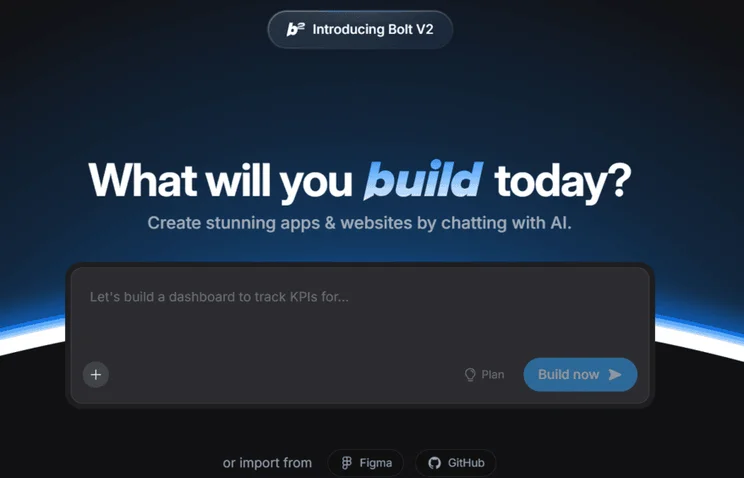
Bolt offers a similar experience to Lovable, with full-stack functionality and natural language prompts. However, Bolt is slightly less beginner-friendly, with an overwhelming terminal and file explorer – coding features that feel counterintuitive to the non-coding premise of vibe coding tools.
Plus, while you can use plain English to communicate with Bolt, you’ll get the best results with specific instructions and prompts, which isn’t ideal for novices that don’t have an app idea fully mapped out.
Bolt also offers a free forever plan, with a huge token limit compared to Lovable. Once you’re ready to upgrade, its two premium plans cost between $18 and $27 per month (billed annually). Or you can request a custom quote if you need the advanced features of the Enterprise plan.
✅ What We Like
- Prompts for beginners – Bolt provides ready-to-use prompt templates to give you inspiration, plus the AI provides prompt suggestions to help beginners get to grips with the tool
- Good functionality with an all-in-one ecosystem that includes hosting, SEO, and one-click deployment
- More scalable than Lovable – you get full ownership of your code with Bolt so you can migrate your project
❌ What We Dislike
- The overwhelming interface and technical features, like the file explorer, show that Bolt isn’t solely trying to cater to beginners
- The community is small, whereas Lovable is potentially the most popular vibe coding tool on the market and has a credible reputation
- Lack of security features can be off-putting to small businesses looking to build customer-facing apps
Lovable vs Bolt: Which Should You Use?
Where Lovable accommodates businesses and beginners looking to explore vibe coding opportunities for the first time, Bolt targets experienced app builders. You get a lot more control with Bolt’s advanced settings and code editor, but you sacrifice the streamlined workflow of Lovable.
Because of Bolt’s flexibility and more technical interface, I’d only recommend choosing this Lovable alternative if you’ve got previous coding experience.
5. Replit
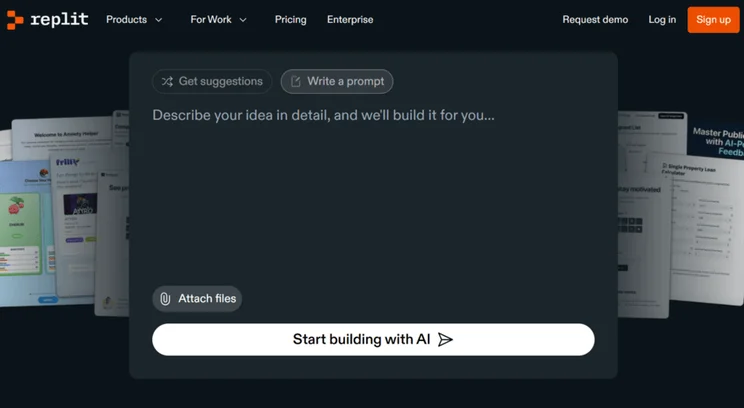
Replit is a little more hands-on and technical than some other Lovable alternatives, such as Hostinger Horizons and Base44. If you’ve got the know-how, the interactive AI and collaborative tools are ideal for large team-based projects and users who want to tweak the code themselves, rather than let the vibe coding tool do all of the work.
However, be warned that Replit isn’t the most budget-friendly option, with per user pricing and costly credits.
Replit is arguably the most similar in pricing to Lovable, with a free plan, two premium plans, and a custom Enterprise plan as well. Replit’s paid plans range from $20 to $35 per month (billed annually), though the more expensive $35/month Teams plan cost is also billed per user.
✅ What We Like
- Tests your app automatically and Replit will debug your code regularly, which is useful for non-coders who might not catch these issues
- Full-stack creation and version control, giving you a lot of flexibility when building your app
- The plan refinement tool lets you view Replit’s plan for your app before it’s built, which is useful when creating first drafts for new ideas
❌ What We Dislike
- Higher barrier to entry – Replit’s free plan doesn’t let you deploy the apps you create, and the technical interface can put off beginners
- Lacks basic security – so you need some experience in safeguarding your app yourself
- Expensive pricing model – Replit uses an unusual effort-based pricing model, where the AI agent charges you based on the time and energy required to fulfil your request
Lovable vs Replit: Which Should You Use?
Replit’s features, interface, and pricing model cater to advanced users, as opposed to complete non-coders. You get full frontend and backend control, so it’s useful if you have some coding knowledge to oversee the deployment and maintenance of your web app.
Unfortunately, because of Replit’s expensive effort-based pricing model and pay-as-you-go system, it’s not the best choice for anyone on a budget. If you want a more beginner-friendly and better value option, stick with Lovable, or choose another alternative, like Hostinger Horizons.
How To Choose an Alternative to Lovable
There are a lot of factors to consider when choosing your vibe coding tool, from your skill level and budget to your long-term business needs. Will the platform help you deploy and maintain your web app? If you’re not sure what to focus on, I’d recommend looking at these key areas:
- Budget – Is there a free plan? How much are you willing to pay? What subscription types are available?
- Coding knowledge – How comfortable are you with vibe coding? Can you edit the code if you want to? Does the vibe coding tool support you throughout the process? Can you fix errors in the code yourself?
- Functionality and integrations – Do you run out of credits quickly? Does the platform offer the features you need? Is there end-to-end support? What integrations are available?
- Scalability – How big is your business? Are there plans you can upgrade to? Can you pay extra for additional credits? Can you add collaborators if your team grows?
- Customer support – How can you contact the customer service team? Is 24/7 support available? Is there support available in the app builder?
How We Test Vibe Coding Platforms
Vibe coding is a new process for everyone, including us at Website Builder Expert. We’ve spent some time researching and testing the top vibe coding tools, looking at five core categories:
- Pricing & Value: 30%
- Usability & Accessibility: 30%
- Product Capabilities: 20%
- Customer Support: 10%
- Market Perception: 10%
The unique weighting for each category is based on what we deem the most valuable to beginners and small businesses, which contributes towards a vibe coding platform’s overall score. Using this data, we can determine the best alternatives to Lovable.
Lovable Alternatives: Should You Switch?
The vibe coding market is continuing to grow, and I’m sure the list of Lovable alternatives will expand in 2026.
There’s no doubt that Lovable is a great vibe coding tool, with full-stack access, built-in integrations, and an easy-to-use interface. However, the platform you choose will depend on your app and business needs. Maybe you’re looking for something more budget-friendly, like Hostinger Horizons, or you need more advanced control from a tool like Bolt or Replit.
Remember to explore a vibe coding tool’s free trial or free plan first to see if it’s compatible with your budget, skill level, and web app vision.


0 comments